WhatsApp Marketing for Small Business: The 2026 Playbook That Actually Sells
Two billion people open WhatsApp daily — and small businesses are turning chats into sales without spending a rupee on ads. Here's the playbook.
Relevant ads will appear here once AdSense is connected.
Last Diwali, a friend who runs a small dry-fruit shop in Jaipur told me something that stuck. He'd spent ₹15,000 on a local newspaper ad the previous year and couldn't name a single customer it brought in. This year he spent nothing. He sent one broadcast message to 400 customers from his phone: a photo of his Diwali gift boxes, prices, and a line that said "Reply YES to order." He got 61 orders in two days.
I wasn't impressed by the number. I was impressed by the channel. Nobody downloads another app for a dry-fruit shop. But everyone opens WhatsApp. Industry reports put WhatsApp's message open rates near 98%, and Meta puts monthly users past 2 billion. That's not a "messaging app." That's the marketplace where your customers already live.
So I spent a few months testing every WhatsApp marketing lever I could: the free Business app, catalogs, quick replies, broadcast lists, Channels, click-to-WhatsApp ads on Meta, even the paid Business API for a client with a bigger list. Some of it was gold. Some of it was a trap. Below is everything I'd tell a small business owner who wants WhatsApp to actually sell, not just sit there as a customer-care inbox.
WhatsApp Business App vs the API: Pick the Right One
The first decision is which WhatsApp you're using, because they are two different products. The WhatsApp Business app is free, installs on your phone in minutes, and handles most small businesses perfectly. The WhatsApp Business Platform (API) is built for bigger operations: it connects to CRMs and chatbots, but it costs money per conversation and needs a provider to set up.
Here is the honest breakdown:
| Feature | WhatsApp Business App (Free) | WhatsApp Business API (Paid) |
|---|---|---|
| Cost | Free | Conversation-based pricing; free service conversations in your service window |
| Setup | Download, verify, done in 15 minutes | Needs a Business Solution Provider; days to weeks |
| Bulk messaging | Broadcast lists, up to 256 contacts per list | Unlimited template-based campaigns |
| Automation | Greeting message, away message, quick replies | Full chatbots, drip flows, CRM integrations |
| Devices | One phone + up to 4 linked devices | Unlimited agents on dashboards |
| Green tick verification | No (business profile badge only) | Yes, for approved brands |
| Best for | Shops, clinics, tutors, sellers under ~2,000 chats/month | Brands sending 10,000+ messages/month, e-commerce, support teams |
If you are a small business, start with the free app and stay there until it genuinely hurts. I've seen a two-person boutique in Delhi do ₹4 lakh a month in sales off nothing but the free app, a catalog, and fast replies. The API is a cost line you should earn your way into, not graduate into early.
Set Up Catalogs and Quick Replies Like a Pro
Your WhatsApp business profile is your storefront window. Fill in your address, hours, website, and a clear business description. Then build a Catalog: up to 500 products with photos, prices, and descriptions. Customers can browse and add items to a cart right inside the chat, and you get the order as a message. No website needed.
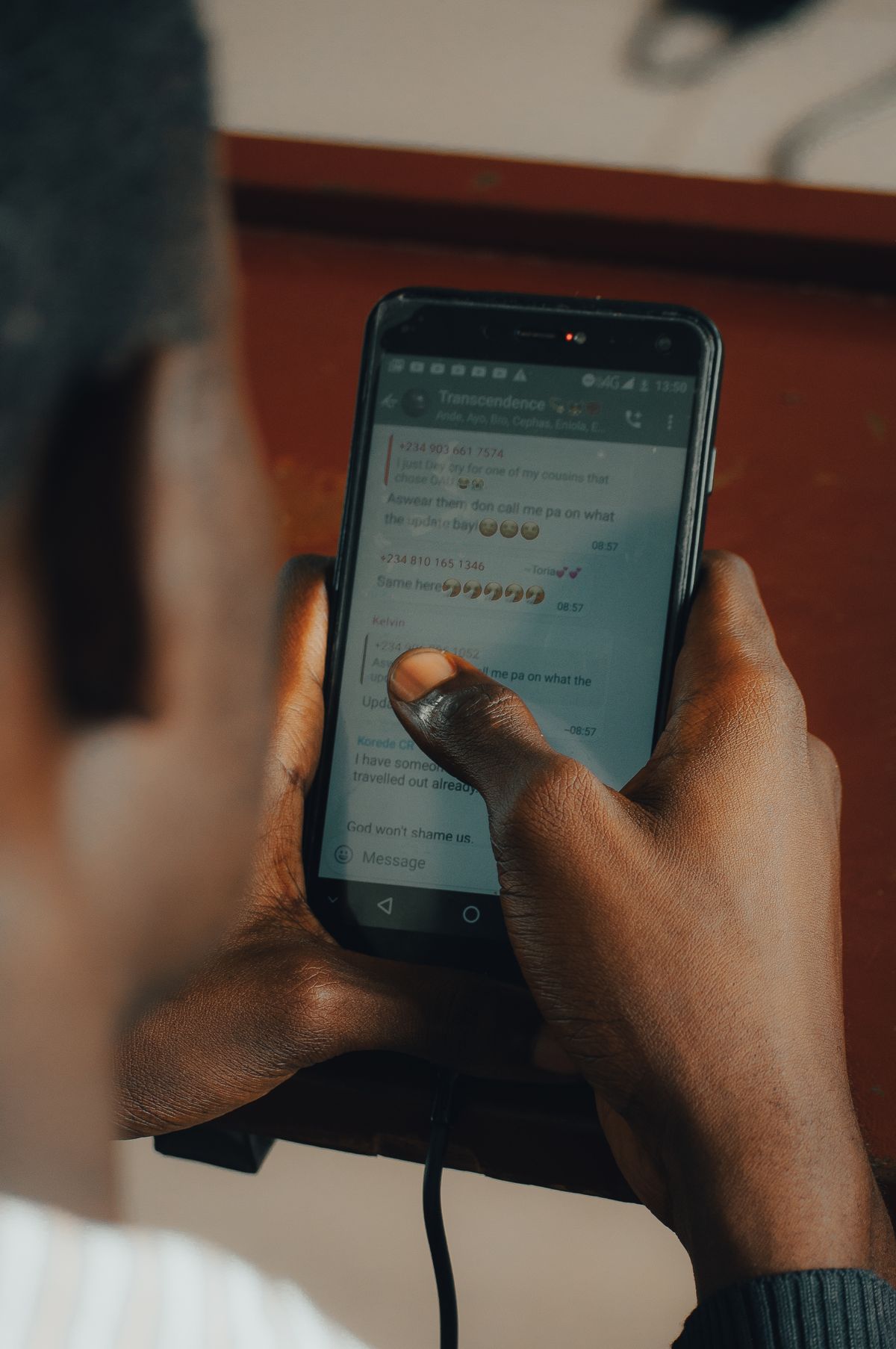
Quick Replies are the second thing to set up, and they're the feature nobody talks about enough. These are saved responses triggered by a slash command. Type "/" and WhatsApp suggests your pre-written answers for pricing, delivery timings, location, return policy, whatever you repeat daily.
Set this up in an afternoon
Step 1. Photograph every product in daylight against a plain background. Clean photos beat fancy ones. Step 2. Add items to your Catalog with a one-line description and the price, and link each item to your site if you have one. Step 3. Write your 10 most-repeated answers as Quick Replies: price list, delivery area, timings, payment options (UPI, cards, cash on delivery), return policy.
Broadcast Lists vs Groups vs Channels
These three get confused constantly, and using the wrong one annoys customers. Broadcast lists send one message to many people individually: each recipient sees it as a personal message from you, and replies come only to you. Recipients must have your number saved in their contacts to receive it. That's the catch and the charm.
Groups put everyone in one chat where they can all see and reply to each other. They work for communities, loyal-customer clubs, and classes where peer chatter is the point. They are terrible for promotions because every "ok" and sticker notification pushes your message up and burns goodwill.
Channels are one-way broadcasts where people follow you for updates. Followers can't see each other or reply publicly. They suit news-style updates (new arrivals, restocks, flash sales) and scale beyond broadcast list limits, but engagement is shallower than a direct broadcast.
One more thing about broadcasts: keep them rare. Two or three a month is plenty. The 98% open rate only survives if your messages are worth opening. The moment your broadcasts feel like spam, customers stop saving your number, and then your broadcasts stop reaching them at all. Quality is the whole game here.
Click-to-WhatsApp Ads on Meta
This is the single best paid lever for small budgets. Click-to-WhatsApp ads run on Facebook and Instagram, but instead of sending traffic to a website, the ad opens a WhatsApp chat with your business. The customer taps, a pre-filled message appears, they hit send, and you have a conversation.
Why it works: you're skipping the landing page entirely. No load times, no forms, no abandoned carts at step three of checkout. For businesses that close on conversation (tutors, interior designers, clinics, high-ticket products), this funnel is absurdly short. You can run these from Meta Ads Manager for as little as ₹200–₹500 a day to test, and you only need the WhatsApp Business app, not the API.
Set it up by choosing the "Engagement" or "Sales" objective in Ads Manager, selecting WhatsApp as the messaging destination, and writing ad copy that names exactly what happens next: "Tap to get today's menu," "Message us for a free quote." Vague ads ("Learn more!") get taps and silence. Specific ads get conversations.
Conversational Commerce: Selling Inside the Chat
Conversational commerce sounds like jargon. It just means the sale happens in the chat: discovery, questions, payment, confirmation, all in one thread. With a Catalog, a customer can tap through your products, add five items to a cart, and send you the order as a single message. You reply with your UPI ID or payment link, they pay, you confirm. Done.
The magic is in the flow design. Write out the five questions every customer asks before buying (price, size, delivery time, payment options, returns) and answer them before they're asked. Pin your delivery and payment info. Use the Collections feature to group catalog items: "Bestsellers," "New arrivals," "Under ₹999." A tidy catalog sells; a 200-item unorganized list doesn't.
A simple order flow that works
1. Greeting. Your auto-greeting names your shop and says what to do: "Hi, this is Mehta Sweets. Browse our catalog or type MENU for today's items." 2. Browsing. Customer taps through the catalog. 3. Questions. You answer with Quick Replies in seconds. 4. Payment. You send your UPI ID or a payment link. 5. Confirmation. Order number, delivery date, and a thank-you. Every one of these steps is a chance to be fast and human. Speed is the feature.
If you want to go further later, the API lets you automate this whole flow with buttons and lists ("Tap 1 for menu, 2 for track order"). That's worth it at volume. At small scale, your thumbs are the automation, and honestly the human touch converts better.
Message Templates and Opt-In Rules You Can't Skip
Here's the part people skip and then get banned for. WhatsApp is strict about who you can message and how, and the rules are simple: you may only send promotional messages to people who opted in. No scraped numbers. No "we got your number from a friend." Opt-in can be a checkbox at checkout, a "send me offers" reply, a QR code in your shop that starts a chat.
On the API, promotions go out as pre-approved message templates (WhatsApp reviews your template text, including variables like customer names and order IDs, before you can send it). On the free app, the rules are enforced differently: broadcast only to saved contacts, don't get reported, and WhatsApp will do the rest. Either way, the principle is identical: messages people asked for get opened; messages they didn't get you blocked.
Make opt-in frictionless and visible. Print a QR code on your counter, your bills, your packaging, your delivery bags. "Scan for ₹100 off your next order" beats "scan to join our broadcast list" every single time. Give people a reason, and collect the opt-in at the moment they're happiest: right after a purchase, right after a delivery, right after a compliment.
If you run email alongside WhatsApp, keep the consent logic consistent: permission in one channel isn't permission in the other. For the email side of that, Email Deliverability in 2026: Stop Landing in Spam is worth a read, because the same "asked-for messages only" discipline decides whether you land in inboxes too.
Festive and Seasonal Campaigns That Print Money
Festive season is where WhatsApp marketing earns its keep, especially in India. Diwali, Rakhi, Eid, Christmas, wedding season: these are the weeks when a small business can do a quarter of its annual revenue, and a well-timed broadcast beats any ad campaign on cost.
The formula is simple and repeatable. Two weeks out: a "sneak peek" broadcast with photos of your festive collection. One week out: the offer itself: gift boxes, combos, early-bird pricing, limited stock ("only 40 hampers"). Three days out: a reminder with social proof: "80 of 100 hampers gone." After the festival: a thank-you message with a small coupon for January. That last message is the one everyone forgets, and it's the one that buys you repeat customers.
Personalize at least the greeting. Even on the free app you can segment: one broadcast list for "festive buyers," one for "regulars," one for "people who asked about gifting last year." Three short, relevant messages beat one long generic one. If you're on the API, template variables let you insert names automatically, which lifts reply rates noticeably.
And don't sleep on your own community channels. If your niche has an active crowd on Reddit, festive gift guides and "what are you buying" threads are free distribution; Reddit Marketing: How Brands Win Without Getting Roasted (2026) shows how to show up there without getting roasted. For broader strategy context, the Marketing section on FounderPaths has the full playbook library.
Measure What Works (With a Spreadsheet, Not Fancy Tools)
You don't need analytics software for WhatsApp marketing. You need a spreadsheet and the discipline to update it. For every broadcast, log: date, message type (offer, new arrival, reminder), list size, replies received, orders, revenue. That's it. After three months you'll know exactly which messages make money.
The metrics that matter: reply rate (replies ÷ messages sent: aim above 5% for offers), orders per broadcast, revenue per broadcast, and block/report rate (if people start blocking you, your frequency or relevance is off; fix it immediately). On click-to-WhatsApp ads, track cost per conversation started in Ads Manager and conversations that became orders on your end. That ratio is your real ROAS.
Run one experiment a month. Test two broadcast times. Test photo-first versus text-first messages. Test "₹200 off" against "free delivery." Small lists are actually an advantage here: you see results fast, and you learn what your specific customers respond to instead of copying someone else's playbook.
Relevant ads will appear here once AdSense is connected.
FAQ
Is WhatsApp marketing free for small businesses?
The WhatsApp Business app is completely free, including catalogs, quick replies, labels, and broadcast lists up to 256 contacts each. You only pay if you move to the Business API (conversation-based pricing) or run click-to-WhatsApp ads on Meta, which you can test from ₹200 a day.
How many broadcast lists can I create?
There's no published hard cap on the number of broadcast lists in the WhatsApp Business app, but each list holds up to 256 contacts, and only contacts who have your number saved receive your broadcasts. In practice, segment by customer type and keep lists tight rather than maxing them out.
Can customers block my business messages?
Yes, easily, and that's the discipline of the channel. If your broadcasts are too frequent or irrelevant, customers will block or report you, and WhatsApp can restrict or ban numbers with high report rates. Two to three broadcasts a month of genuinely useful messages is the safe zone.
What's the difference between a broadcast list and a group?
A broadcast sends your message to each recipient individually; replies come only to you and recipients can't see each other. A group is a shared chat where everyone sees everything. Use broadcasts for offers and updates, groups only when community discussion is the point.
Do I need the WhatsApp Business API to run click-to-WhatsApp ads?
No. Click-to-WhatsApp ads work with the free WhatsApp Business app: the ad opens a chat with your business number and you handle replies manually. The API only becomes worth it when chat volume outgrows what you and your team can answer by hand.
How do I get customers to opt in legally?
Ask clearly and give a reason: a checkout checkbox, a QR code in-store offering a discount, or a "reply YES for offers" message after a purchase. Keep a record of opt-ins. Never message numbers you scraped or bought; that's how accounts get banned.
Your First WhatsApp Campaign This Week
Don't overthink this. Here's your week: Monday, set up your business profile, catalog, and 10 quick replies. Tuesday, print a QR code for your counter and add an opt-in line to your bills. Wednesday, label your existing customers by type. Thursday, write one short broadcast: one photo, one offer, one clear next step ("Reply YES to order"). Friday, send it to your most engaged list and reply to everyone within the hour.
Then log the numbers in your spreadsheet. Whatever happens, you'll know more about your customers on Friday evening than you did on Monday morning. And the week after, you'll do it better. That's the whole playbook: fast replies, honest offers, messages people asked for. The channel does the rest.
Relevant ads will appear here once AdSense is connected.